Using GSPro
Move the mouse left
Slide the mouse all the way left until it appears on the projector. Choose Local Match to play a course, or choose Practice to use the driving range.
First visit? Start here
Everything starts automatically. Here’s all you need to know.
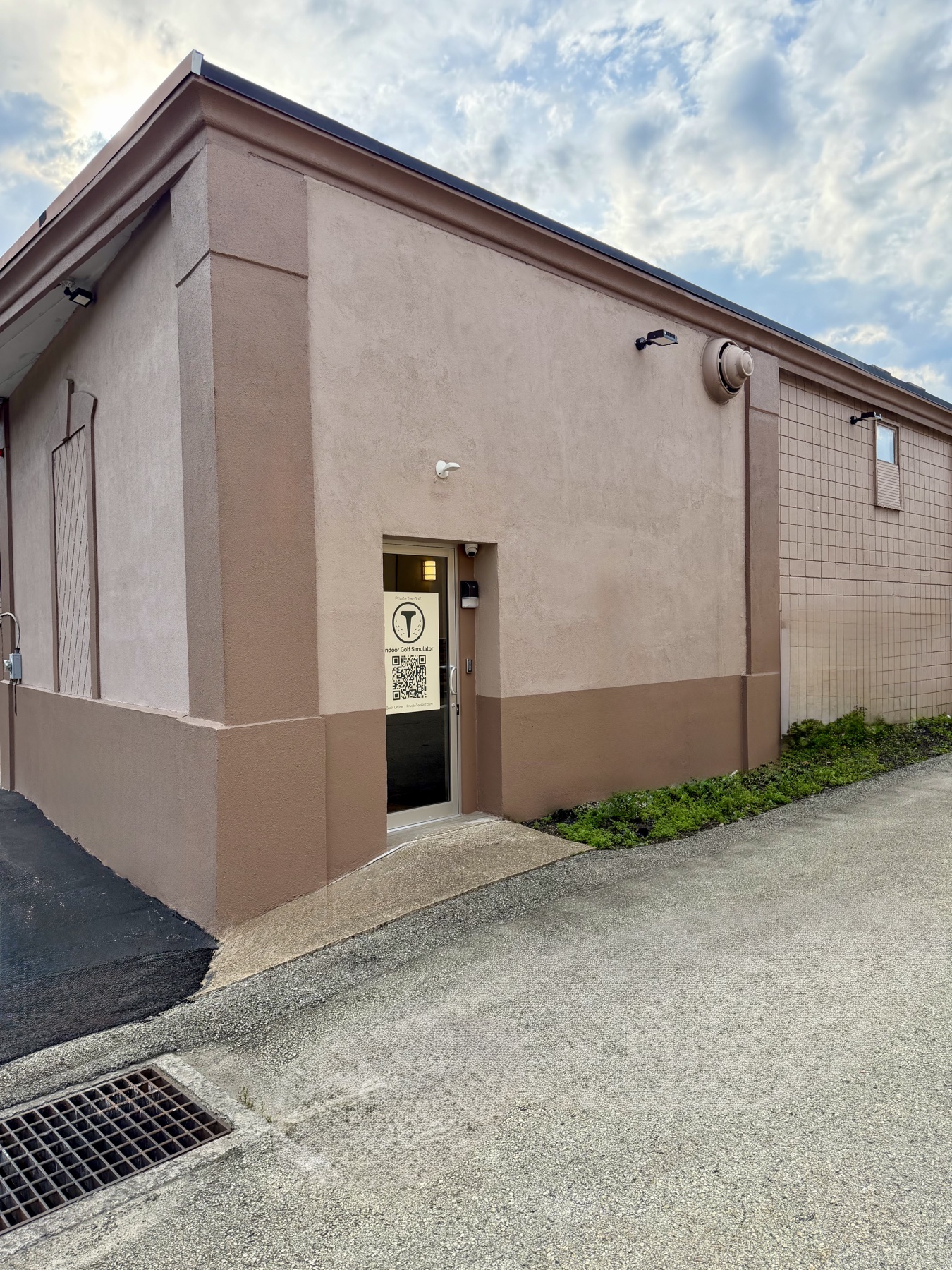
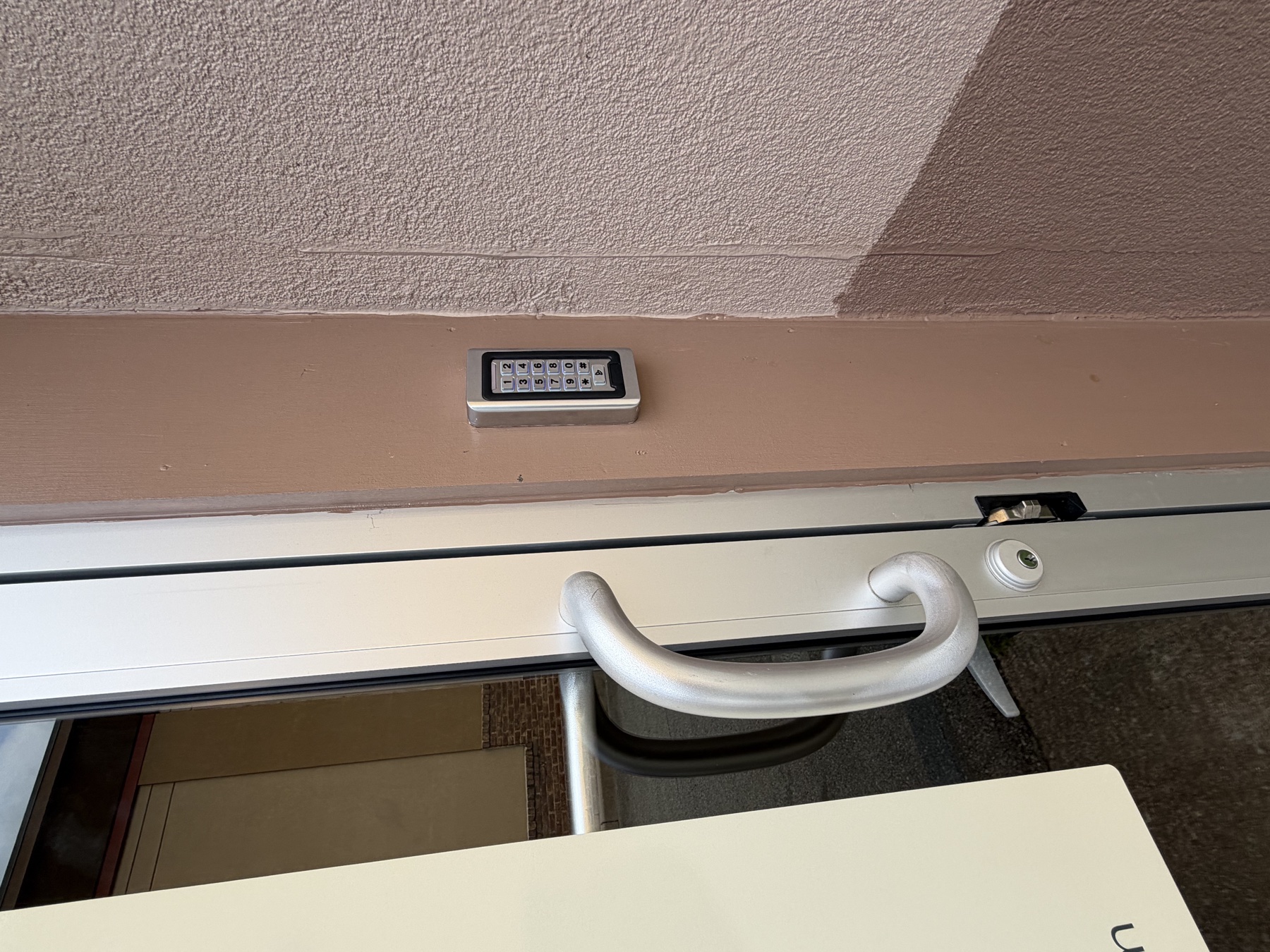
Getting inside
Your 6-digit code arrives by text about 5 minutes before your booking. It works at your exact start time.
Before every swing
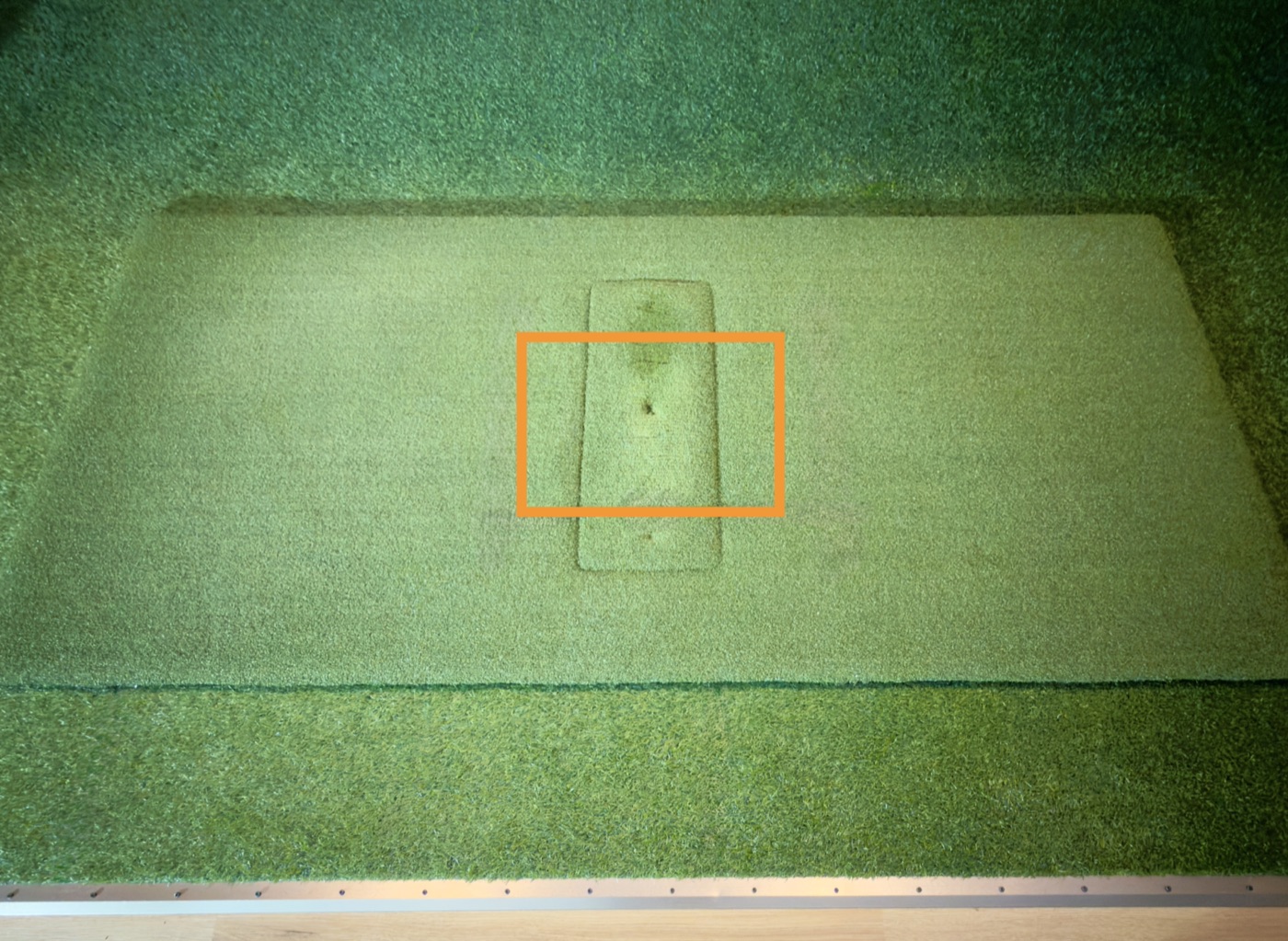
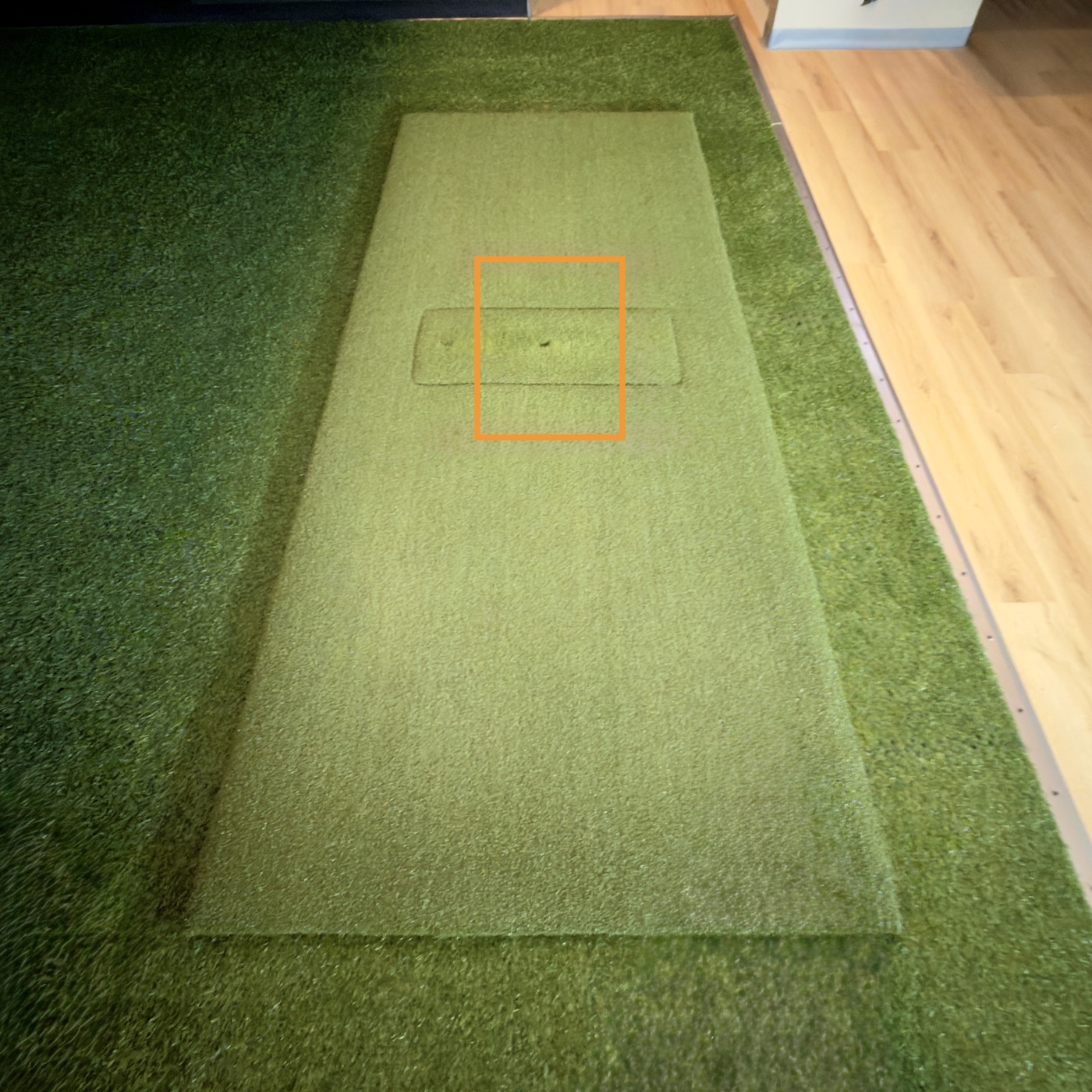
The orange outline shows where the launch monitor can see your ball, so please leave the mat where it is.
Ready check
The overhead Uneekor logo must glow green before every swing.
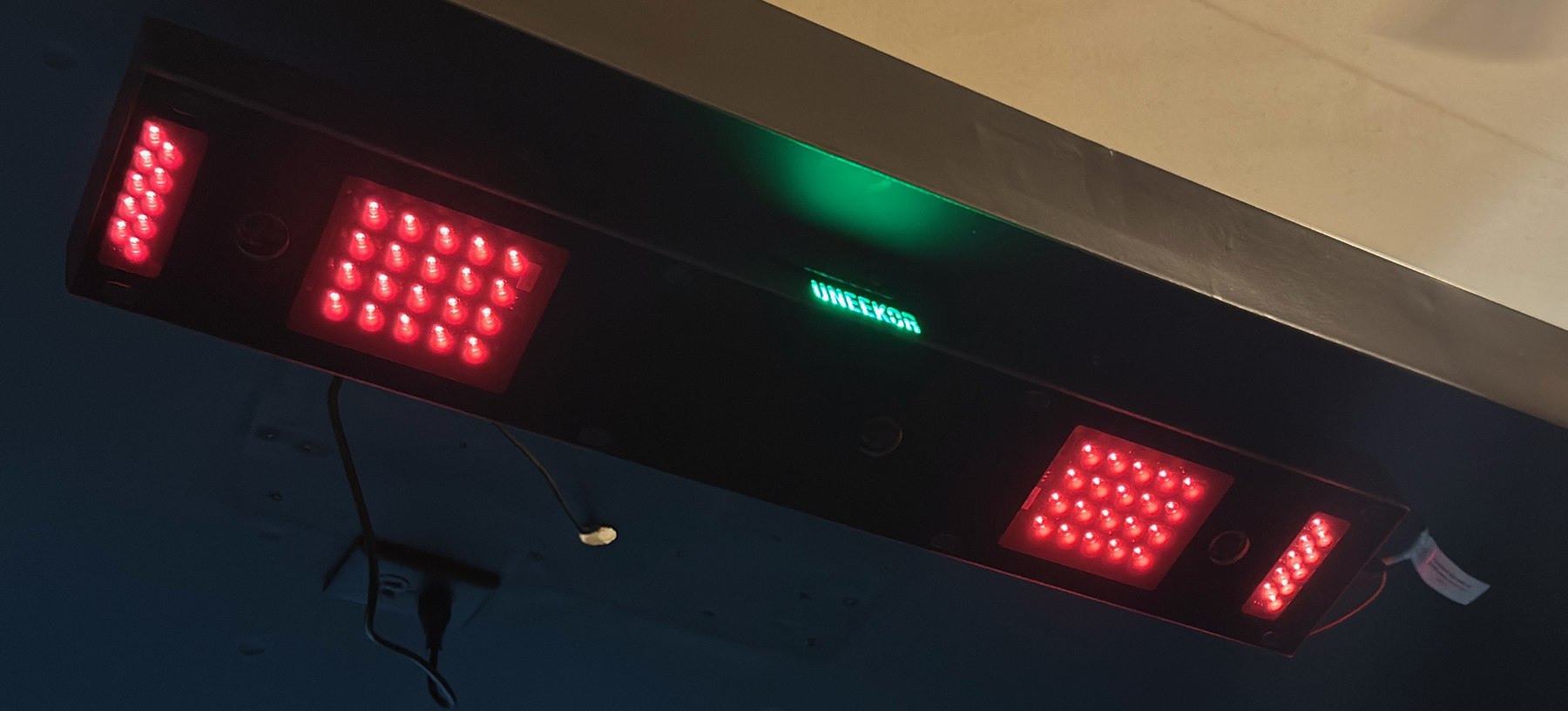 ✓
✓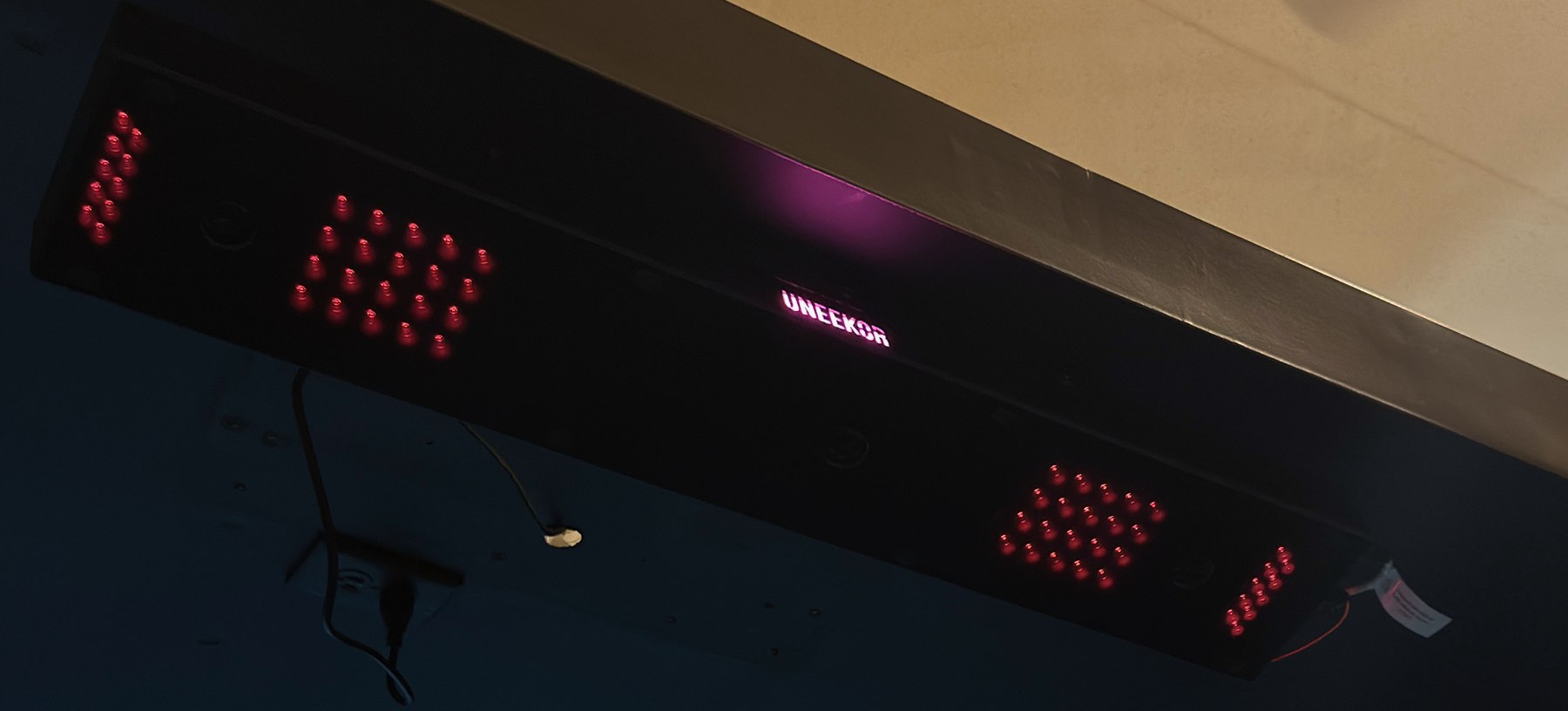 ×
×Using GSPro
Slide the mouse all the way left until it appears on the projector. Choose Local Match to play a course, or choose Practice to use the driving range.
When time is up
Something not working?
Text 878-645-3216 for help